How I Built My Personal Website as a Non-Coder in 6 Steps

Zoe Li

10/27/20259 min read

If you’re like me, you’ve spent too many nights scrolling through fellow applicants’ personal sites—entry-level candidates, new grads, even internship contenders—with clean layouts, clever micro-interactions, and client-ready case studies, and felt that creeping left-behind anxiety: How did they do this? How do I keep up?

I’ve carried that feeling for a long time. I knew I needed a personal website, but the internet is a maze of bloated tutorials and sponsored “solutions.” As a marketing-background non-coder, I kept putting it off because I didn’t know where to start.

So I gave myself a week to fall on every sword: iterating prompts until AI produced runnable code, burning through tool credits, and finally pushing a site live. I learned that AI truly amplifies what used to be out of reach only if you develop an AI-native mindset, like learning the internet decades ago. In this guide, I’ll give you my key prompt, so the assistant actually becomes your co-builder.

What made me write this blog?

Who it’s for
  • Communications/marketing folks who need a credible website fast.

  • Job seekers with tight timelines and tight or Zero budgets.

  • Coding beginners who follow logic but not syntax, and want AI to turn ideas into webpages.

  • A from-zero workflow:
    information architecture → page design → generate code with AI → AI-assisted debugging → free deployment.

  • Copy-pasteable assets:
    my key prompts + how to adapt them to your brand and layout goals.

  • A working personal site under your domain.
What you’ll get

If you’re like me, you’ve spent too many nights scrolling through fellow applicants’ personal sites—entry-level candidates, new grads, even internship contenders—with clean layouts, clever micro-interactions, and client-ready case studies, and felt that creeping left-behind anxiety: How did they do this? How do I keep up?

I’ve carried that feeling for a long time. I knew I needed a personal website, but the internet is a maze of bloated tutorials and sponsored “solutions.” As a marketing-background non-coder, I kept putting it off because I didn’t know where to start.

So I gave myself a week to fall on every sword: iterating prompts until AI produced runnable code, burning through tool credits, and finally pushing a site live. I learned that AI truly amplifies what used to be out of reach only if you develop an AI-native mindset, like learning the internet decades ago. In this guide, I’ll give you my key prompt, so the assistant actually becomes your co-builder.

What made me write this blog?

Who it’s for
  • Communications/marketing folks who need a credible website fast.

  • Job seekers with tight timelines and tight or Zero budgets.

  • Coding beginners who follow logic but not syntax, and want AI to turn ideas into webpages.

  • A from-zero workflow:
    information architecture → page design → generate code with AI → AI-assisted debugging → free deployment.

  • Copy-pasteable assets:
    my key prompts + how to adapt them to your brand and layout goals.

  • A working personal site under your domain.
What you’ll get

Content

Tools I Used:

  • ChatGPT – prompt design, content planning, copy polish

  • (Optional) Figma/Canva – quick UI/layout drafting

  • Lovable AI – generate the first working codebase

  • GitHub – free hosting & version control (GitHub Pages/Actions)

  • Cursor AI – fast iteration, debugging, and style fixes

Step-by-Step Workflow 🚀

(build time: 45-120 minutes)

Step 1 – Define information structure (~10min)

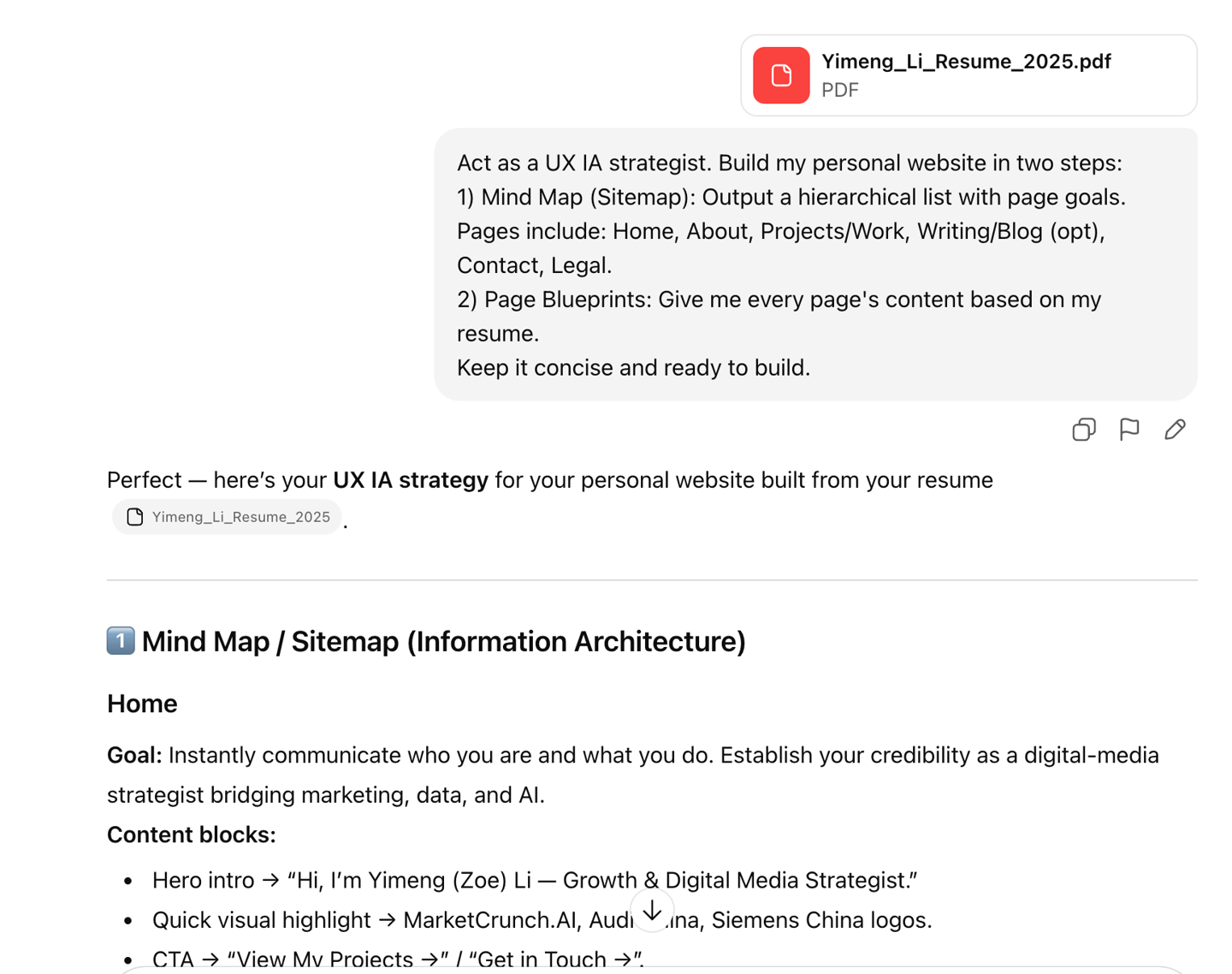
Co-design your site’s information architecture and page copy with ChatGPT. Start from your résumé, map its content to pages and goals, then use the prompt below to generate information architecture and replace the underlined text with your own structure if needed.

You’ll get a clean, directly usable content outline.

Sending your resume and prompt to ChatGPT

Prompt:

Act as a UX IA strategist. Build my personal website in two steps:

1) Mind Map (Sitemap): Output a hierarchical list with page goals. Pages include: Home, About, Projects/Work, Writing/Blog (opt), Contact, Legal.

2) Page Blueprints: Draft concise page content for each page based on my resume. Keep it scannable and build-ready.
Attaches: {your Resume}

Step 2 – Design website layout (~10min)

Add your visual references if you have them. Otherwise, simply ask ChatGPT to show you a few possible directions

Act as a web designer. Based on the content outline you created, design a clean, modern website layout. Theme colour #9064CE (Or you could say, “I don’t have a clear idea yet, could you help me define a style?”).
For each section, specify:

  1. Visual hierarchy (layout structure, spacing, flow)

  2. Recommended components (hero, grid, card, form, etc.)

  3. Color, typography, and style suggestions (aligned with {brand/tone})

  4. Example copy placement and interactions (buttons, hover, scroll behavior)
    Keep it minimal, aesthetic, and ready for Figma or HTML translation.

At this point, you can edit the content in the document to see if you like it and whether it fits your needs. You can also go back and forth with GPT a few times to refine it. When you’re satisfied with the plan, ask for a design image.

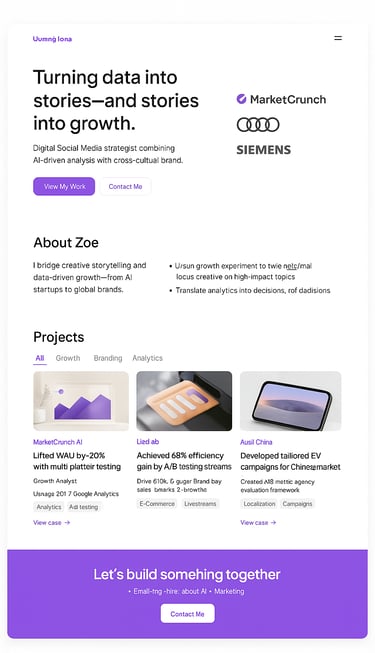
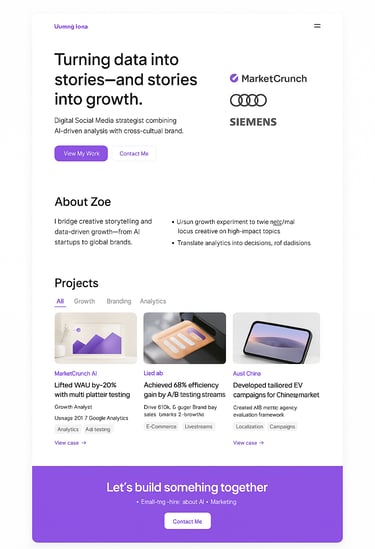
Now generate a web page design image from the outline.

Then, you’ll get a theme design image like this. ⬆️

Prompt:

Prompt:

(Optional)
Step 3 – Refine your design (time varies)

If you’re broadly happy with the visual style but want to tweak a few details, you can ask ChatGPT to generate an HTML webpage based on the theme design image.

Now generate an HTML file based on the design image.

Alternatively, you can jump into Canvas/Figma, pick a template, and design a page you like.

The biggest advantage of designing it yourself is flexibility and control. Handling the design end-to-end not only ensures your content is correct, but it also lets you feed your files into AI in the next step so it can build your site more precisely and with greater detail.

Prompt:

Step 4 – Generate first version code (~5min)

Now we need to turn the design image we just created into a website.

For the first draft, I’m using Lovable, which gives new users 5 free credits per day, so you don’t have to worry about costs.

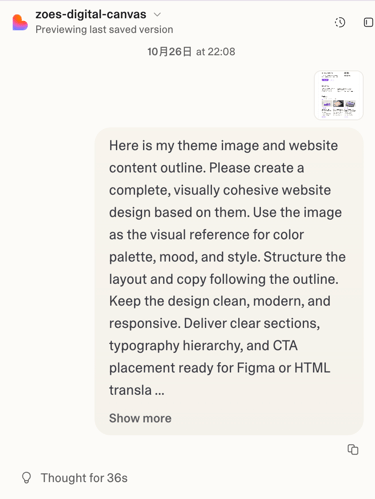
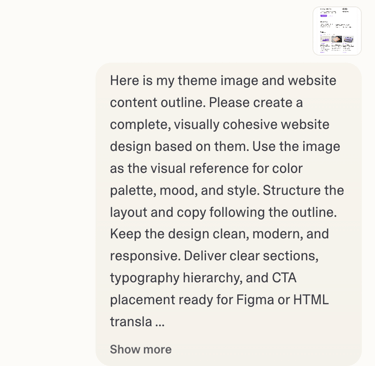
Here is my theme image and website content outline.
Please create a complete, visually cohesive website design based on them.
Use the image as the visual reference for color palette, mood, and style.
Structure the layout and copy following the outline.
Keep the design clean, modern, and responsive.
Deliver clear sections, typography hierarchy, and CTA placement ready for Figma or HTML translation.

Attaches: {attach or link your design image} { your outline doc} { your figma or canvas design (optional)} { your code (optional)}

Optional context. Skip if you just want the steps.
Lovable lets you edit in-browser and publish with one click, but every edit burns paid credits.
Want a free site you fully control? Use GitHub Pages. We’ll export from Lovable to GitHub for a stable public URL. If you publish via GitHub, stop editing in Lovable. Do final tweaks in Cursor.
If you prefer convenience and don’t mind a fee (student ~$12.50/mo, regular $25), you can finish editing + publishing in Lovable. Credits are limited, so plan changes and avoid back-and-forth. Keep edits small and focused. If you stay in Lovable, you can skip steps 5–6. 😄

If you already have a Figma design, you can directly import your file from the “Attach” interface. Canvas files can also be imported as PDFs or images.

Click to go ➡️

⬆️
Sending everything you have to Lovable.

Prompt:


Step 5 – Deploy site (~20min)

If you get stuck at any step,
just take a screenshot and send it to ChatGPT.
It’ll help you solve everything.

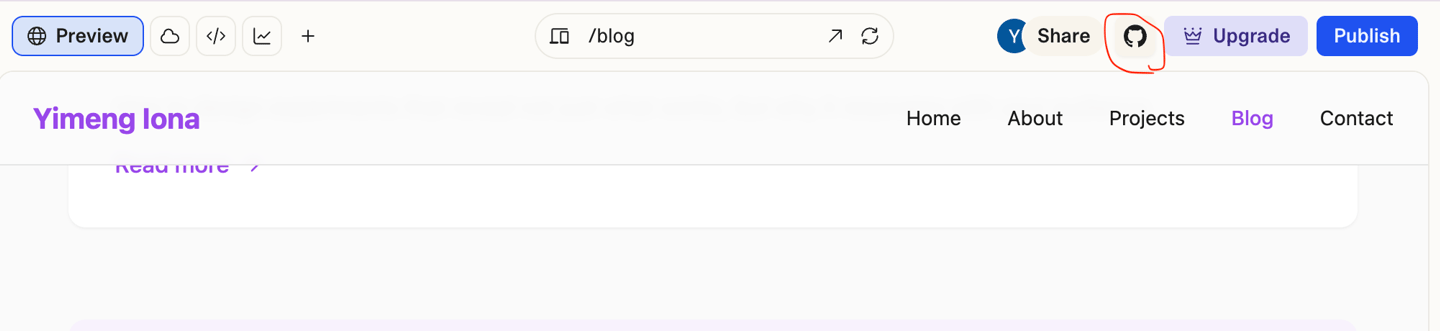
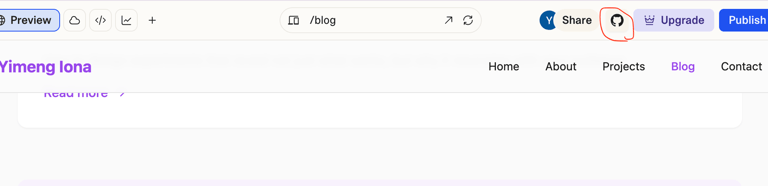
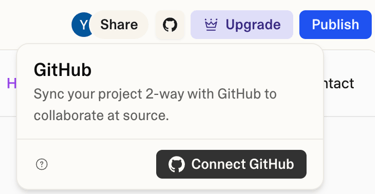
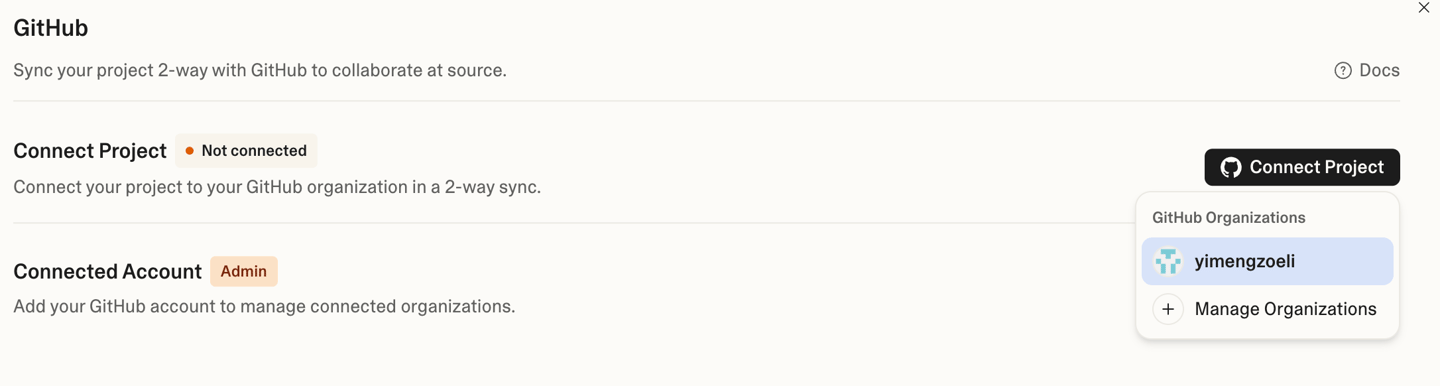
In the top-right corner of Lovable, you’ll find an option to sync your project directly to GitHub. We'll use Lovable’s “Sync to GitHub” to push your code to a new website.

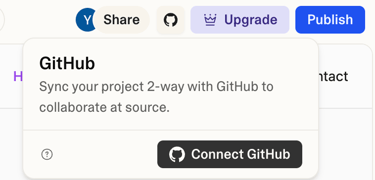
Click Connect GitHub and connect your GitHub account to this project. If you don’t have a GitHub account yet, you’ll need to sign up for one — it’s very simple and completely free.

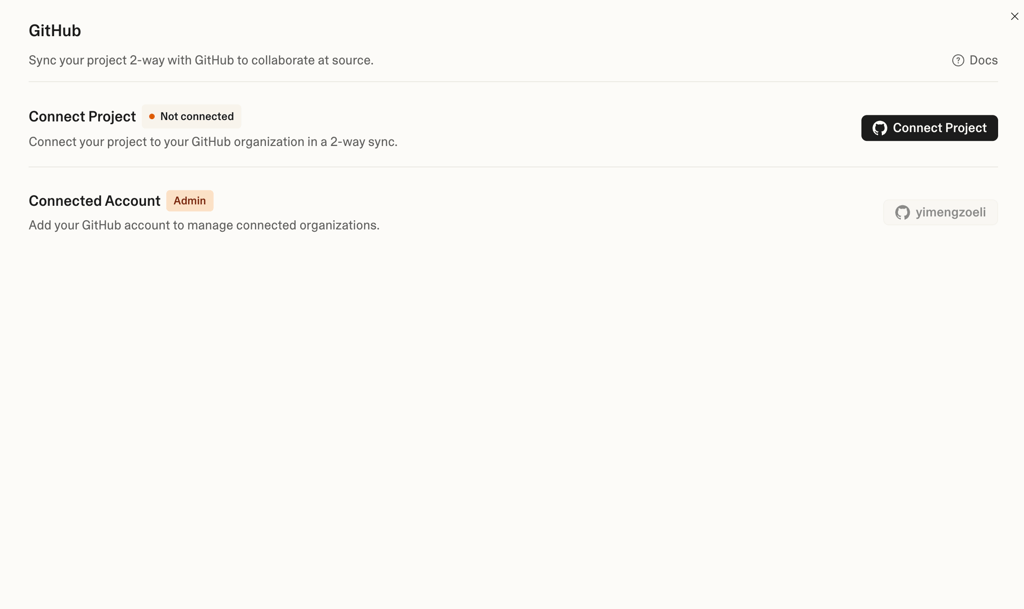
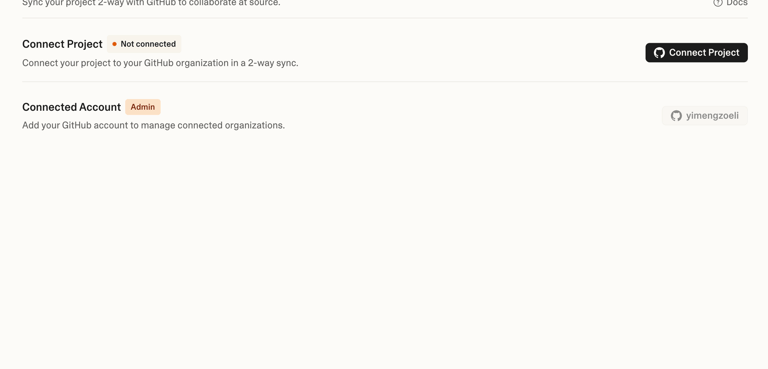
Then click Connect Project.

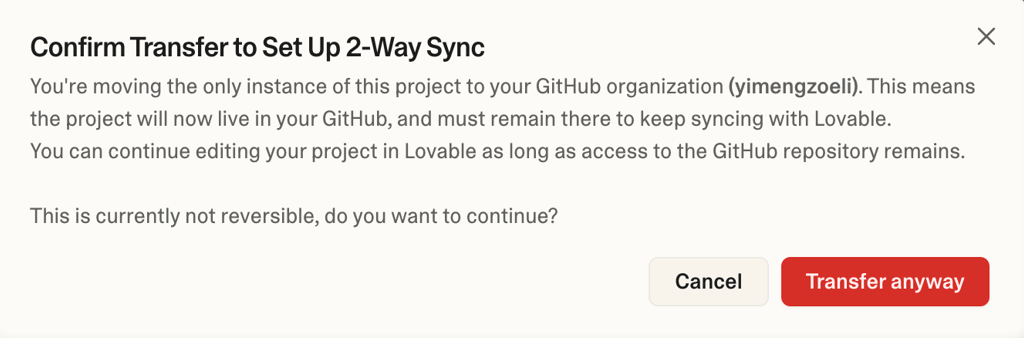
Select Transfer anyway.

Once you can see your files appear in your GitHub repositories, that means the sync was successful.

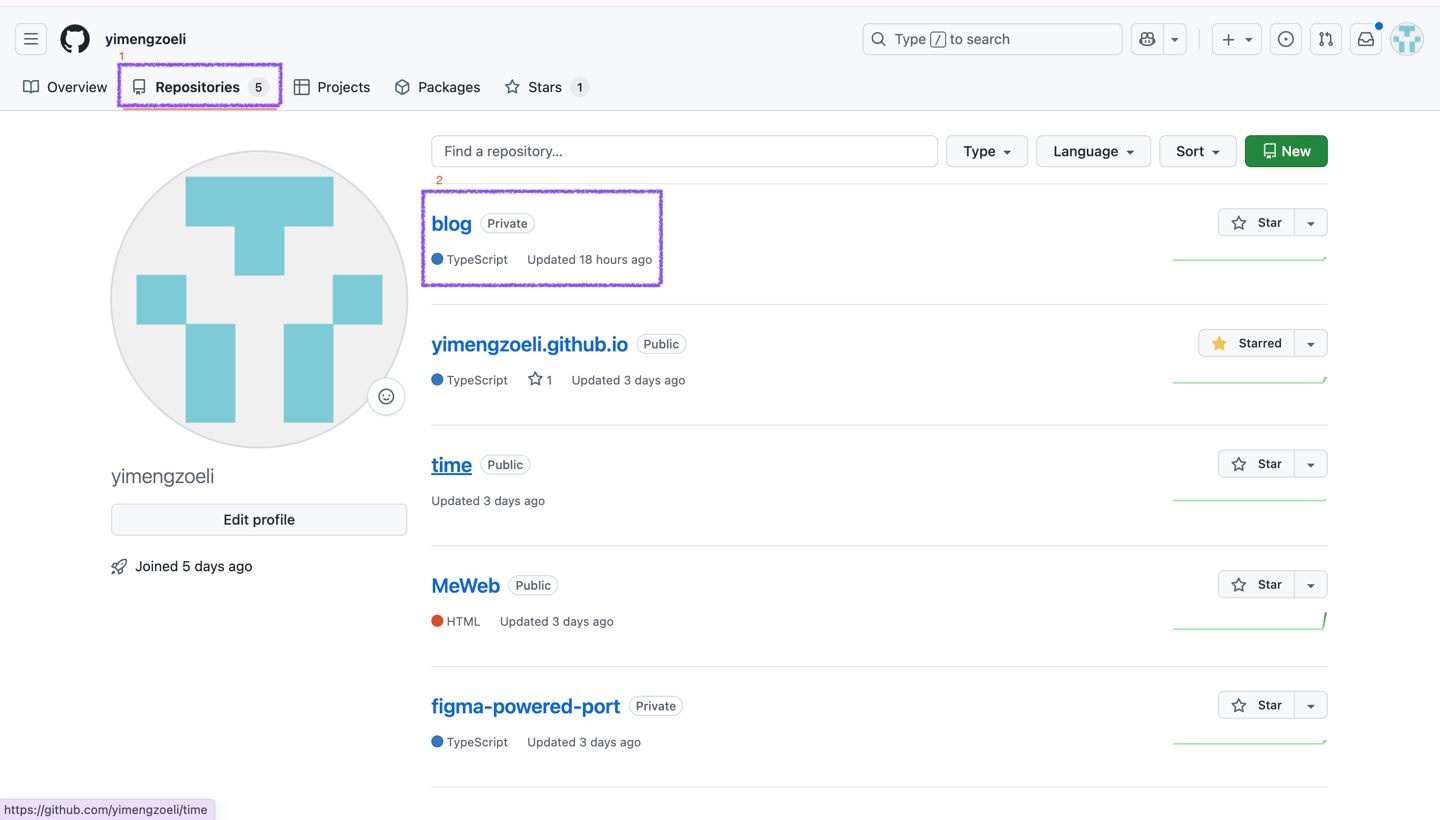
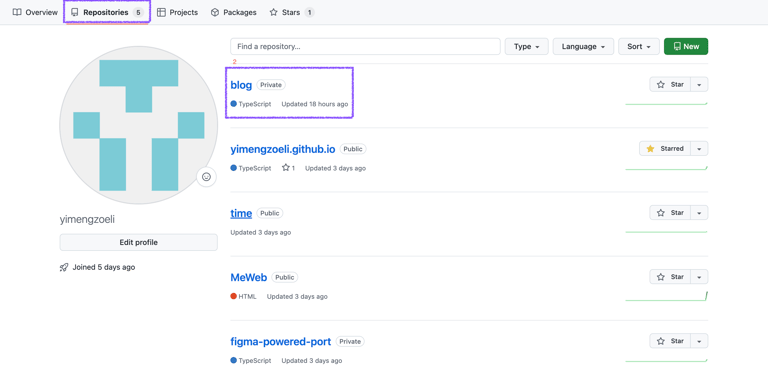
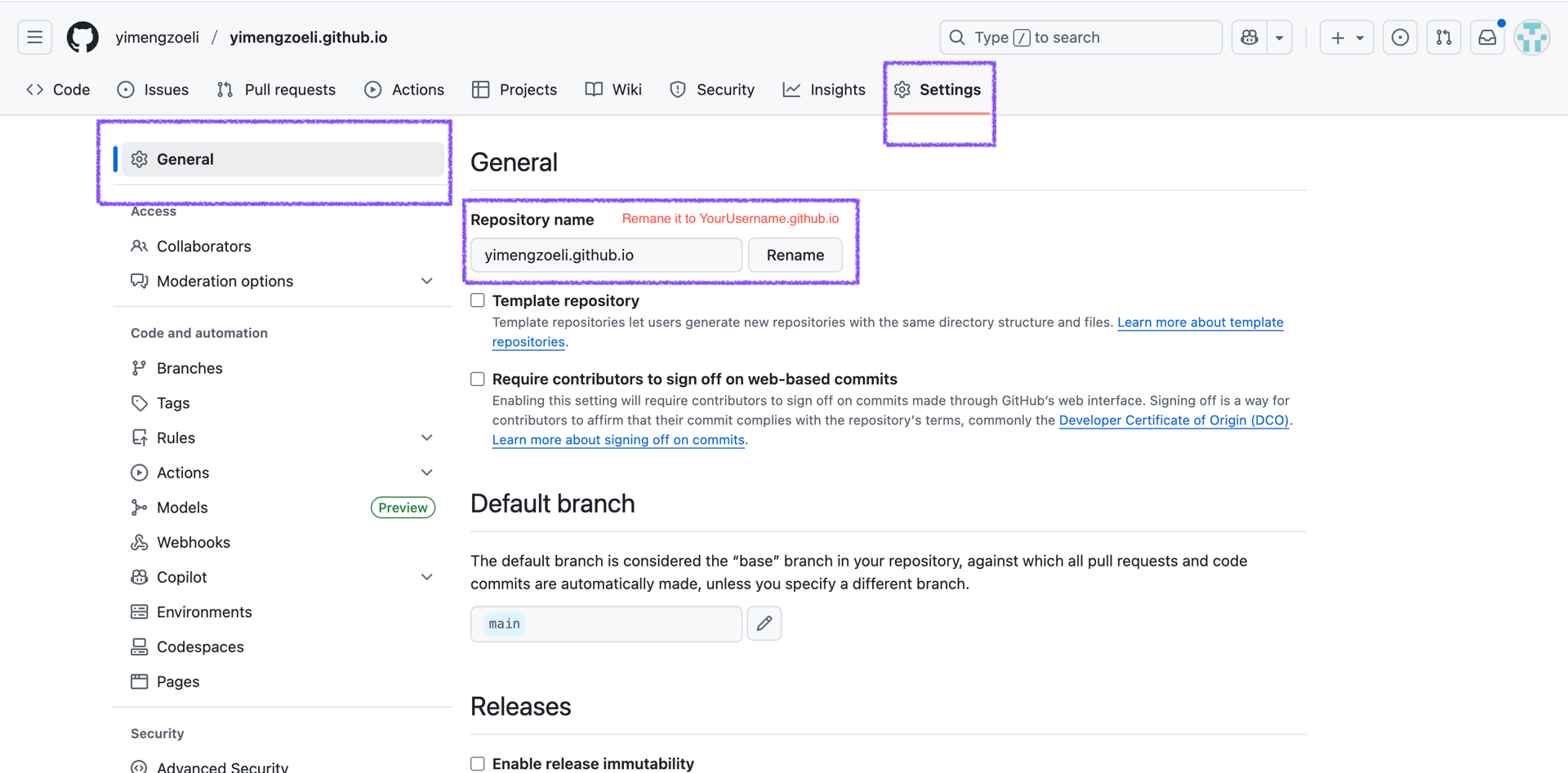
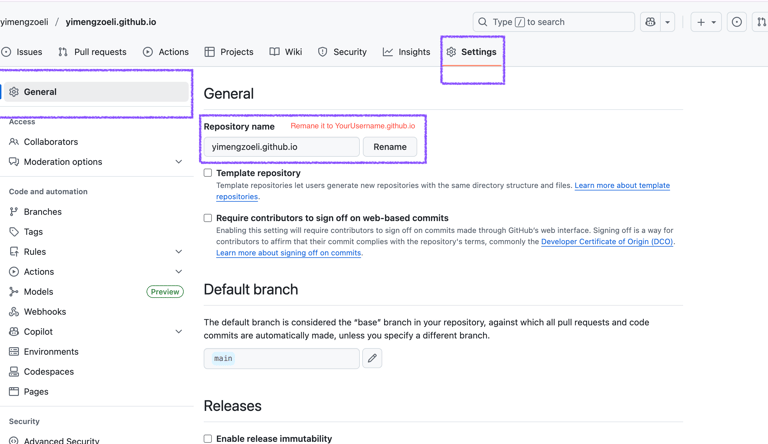
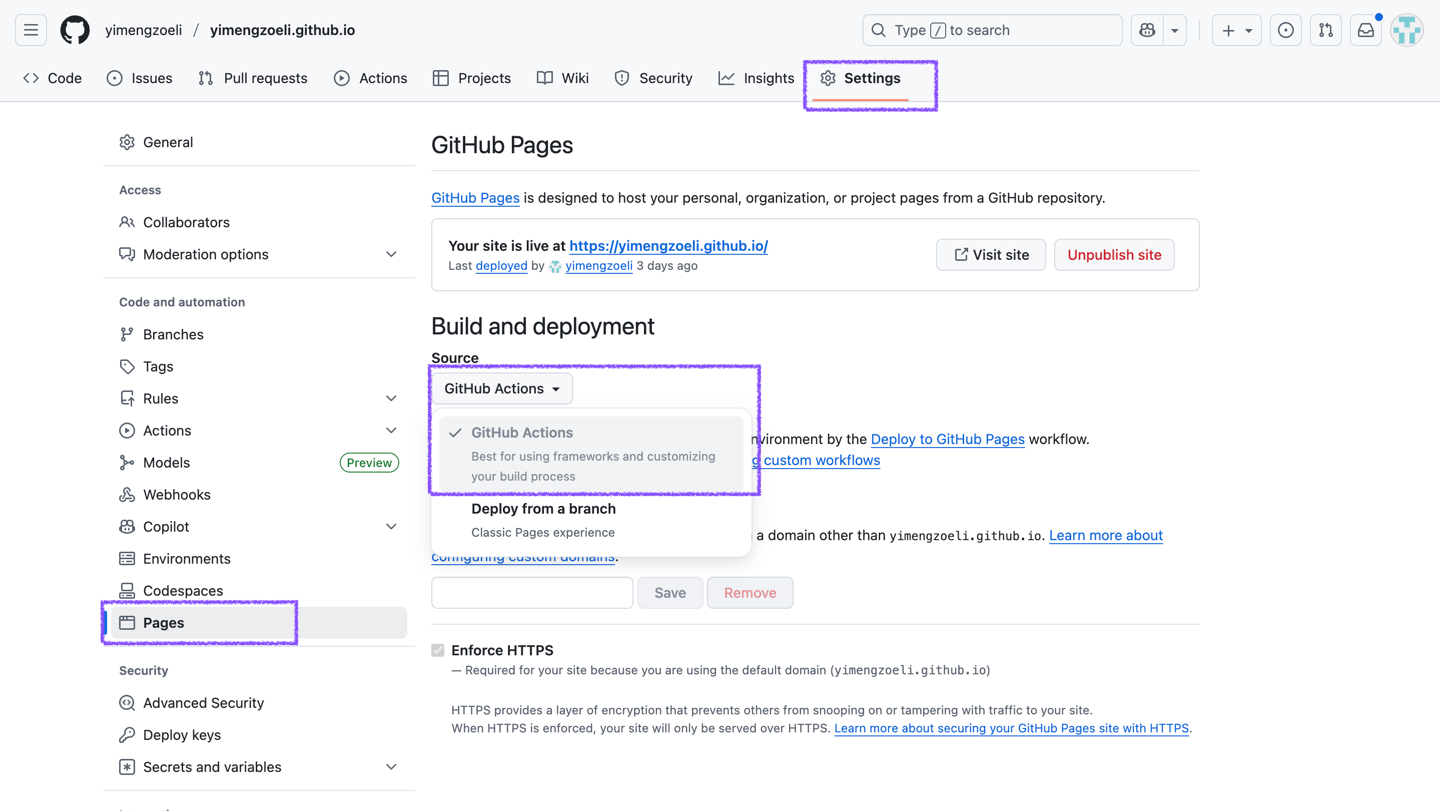
Next, click on your repository and go to the settings tab of your repository. Change your repository name to the format username.github.io

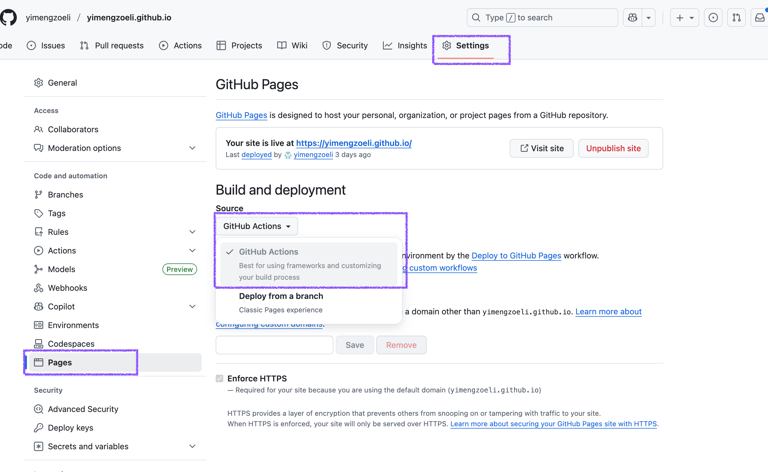
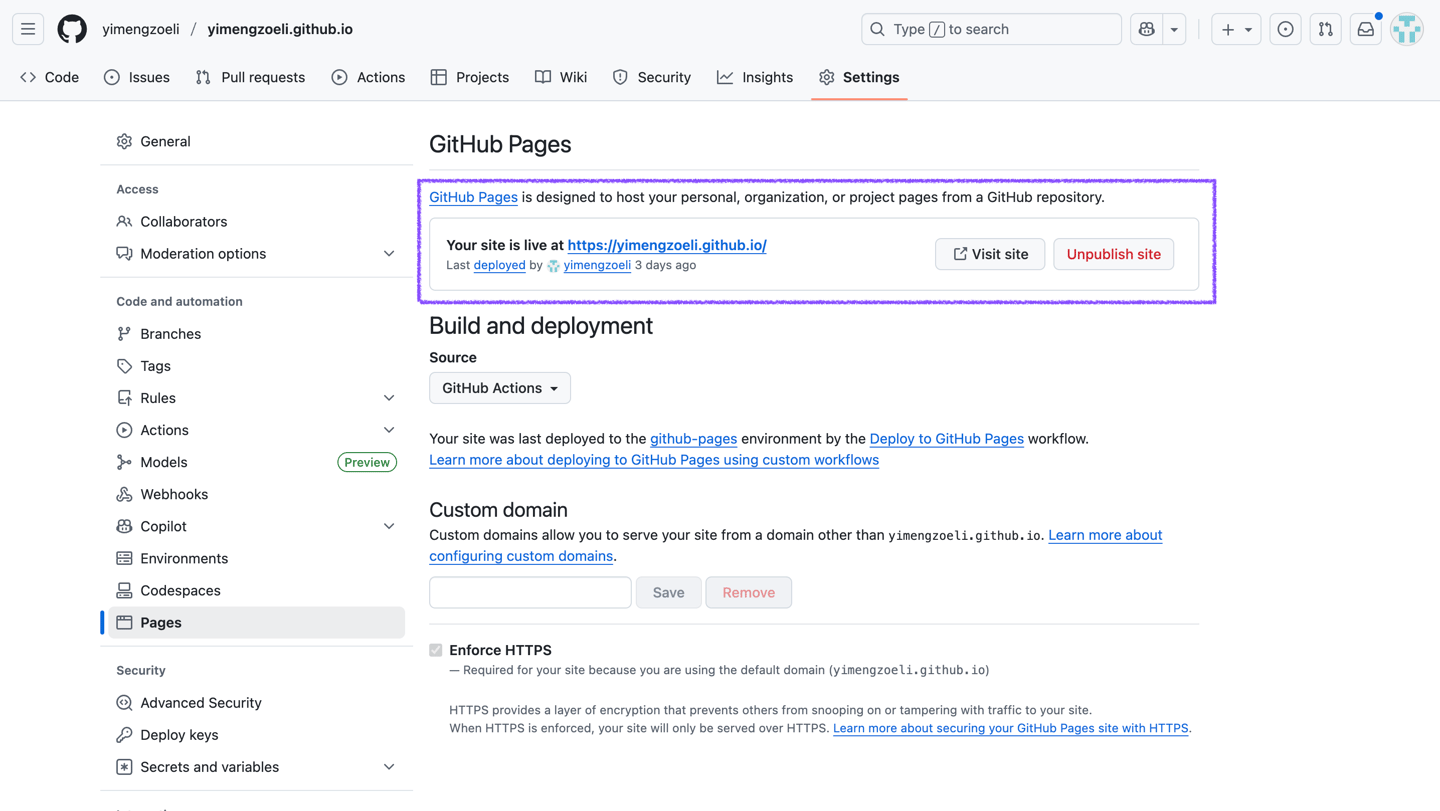
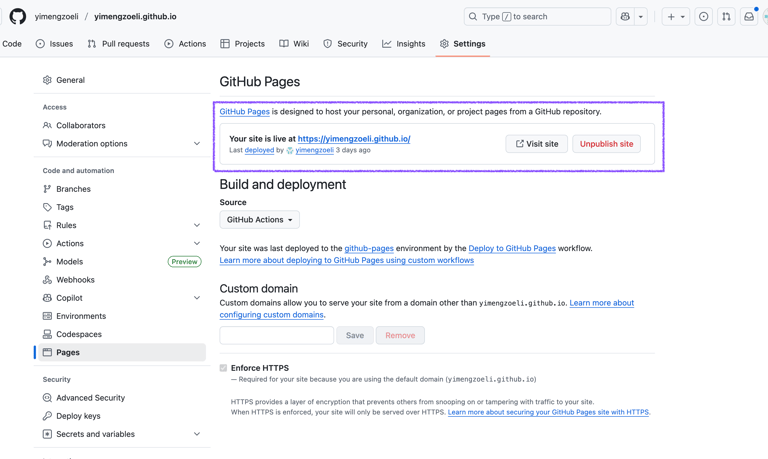
Then, go to the Pages section. Under Build and Deployment, set Source to GitHub Actions.

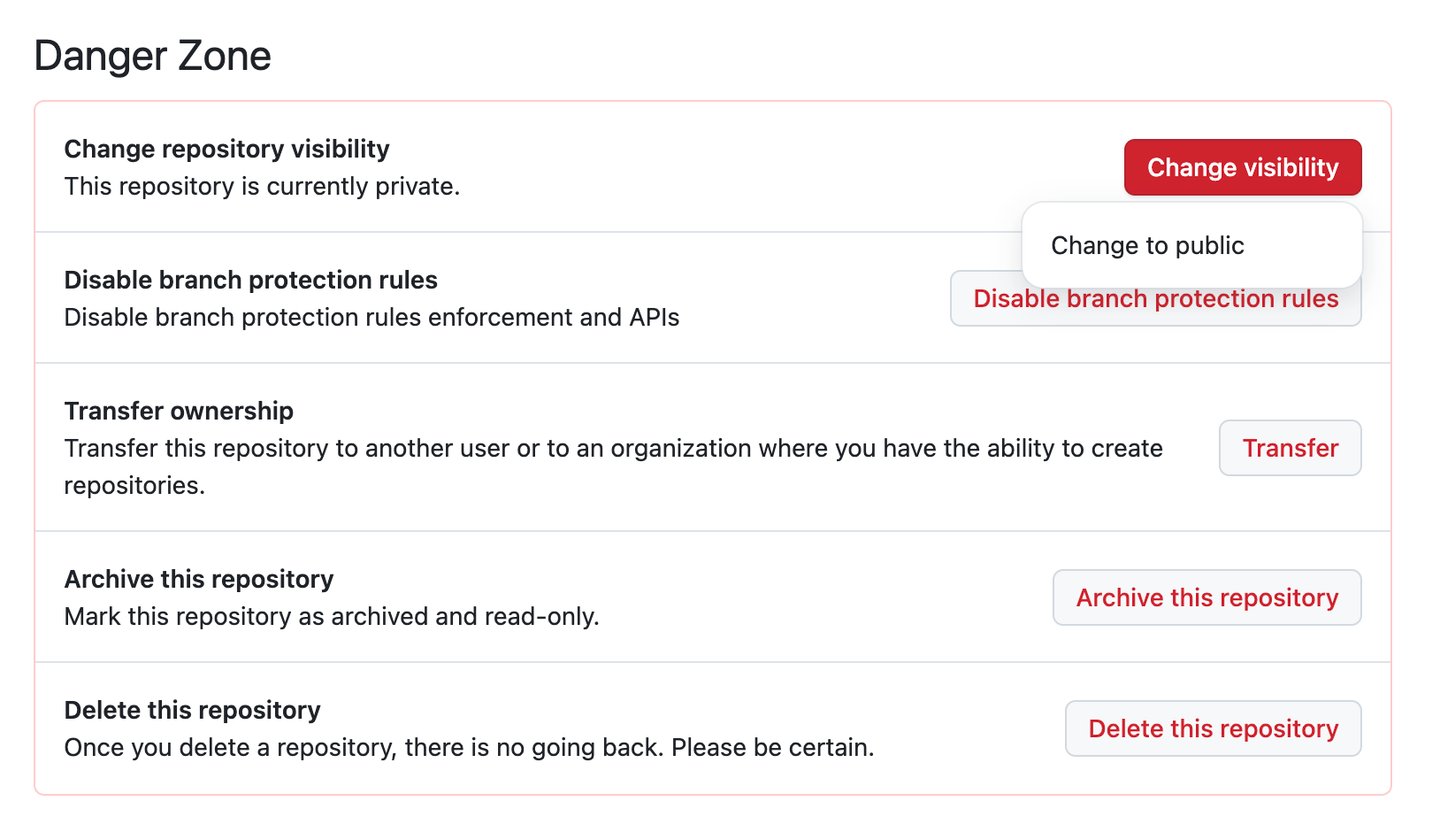
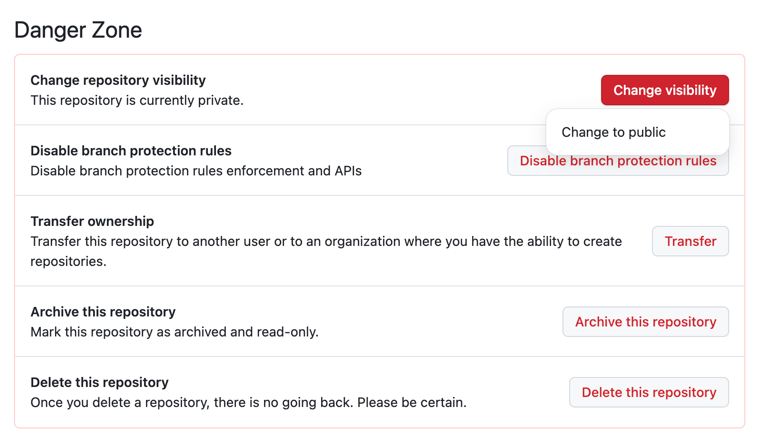
Stay in General, scroll all the way down to the bottom of the page and change the repository visibility to Public.

When you see the message “Your site is live at” at the top of the page, it means your website has been successfully published! Click the link to check if your page opens properly.

In most cases, publishing directly from this section doesn’t work smoothly. I recommend using Cursor as the main tool for debugging in the next step.


Step 6 – Debug and revise with AI(~30min-1h)

Before starting this part, you’ll need to sign up and download Cursor: https://cursor.com/cn/agents

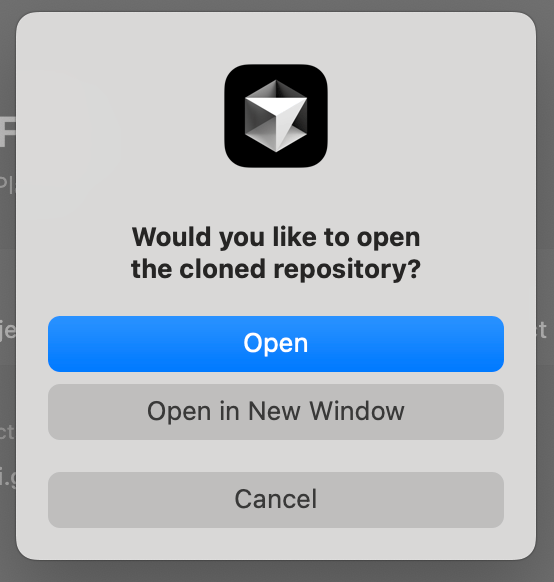
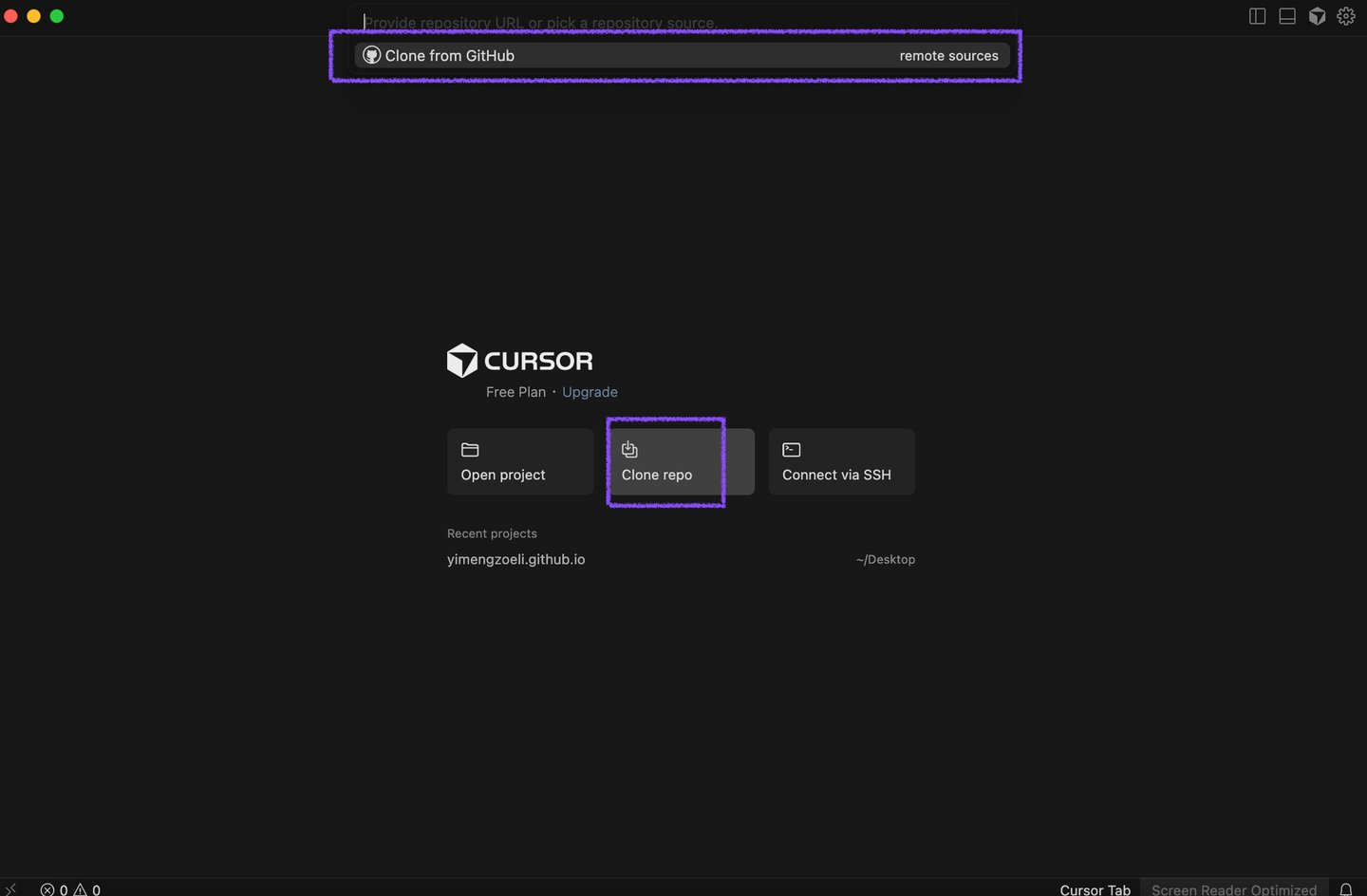
Open the desktop app and clone your website repository from GitHub to your local computer.

Open your cloned folder, describe the issue, and Cursor will automatically detect and fix all bugs!


Here’s the prompt I used:

I can’t access my website via the GitHub domain, even though it’s set to public and the “Build and deployment” source is set to GitHub Actions. Please fix this issue and make sure I can directly access my page by clicking [web address].

Optional context. Skip if you just want the steps.

Cursor also uses credits. To save them, define the change clearly before you ask Cursor to edit.
If something is fuzzy (you can’t describe the bug or change), verify it with ChatGPT first, then paste a tight prompt into Cursor.

Prompt:

Here's the website I created:

My case study section isn’t finished yet,
but the AI LAB part is already set up with the basic framework!

Feel free to take a look around and learn more!

Frequently asked questions

Why not let a single AI tool handle the entire process?

ChatGPT can’t access your local environment.While it’s great at generating code, ChatGPT doesn’t have access to your local files or runtime environment. That means it can’t truly debug your project — it can only guess what might be wrong and suggest possible fixes. In practice, it often outputs code that looks runnable but actually breaks when executed. During debugging, it might list potential issues and solutions, but you still have to test each one manually.

Lovable can build a full site — but it’s expensive. Lovable can take you from start to finish, but the cost rises quickly as you make edits, since every change consumes credits. Although there are lots of options among the market, I still recommend it for the first draft, because among all the AI web tools I’ve tested, Lovable produces the most visually polished design, which saves you a ton of fine-tuning later.

Cursor focuses on local debugging.Unlike ChatGPT or Lovable, Cursor only works with your local codebase. It’s an AI code editor that can identify and fix bugs within your local files — but it can’t host or deploy your site. That’s why you need to pair it with GitHub (or another deployment platform) to make your website actually functional online.

Why not use traditional website builders?

Because I don’t want to buy a domain name. Most website builders require domain subscriptions to stay active, meaning you’ll have to keep paying year after year. By using GitHub Pages, you get a free, reliable, and permanent domain that stays under your full control.

How can I contact you?

You can reach me on LinkedIn. Always happy to connect!